Two ways to schedule and publish Instagram Stories, step-by-step, plus tips and tricks to get the most out of your stories and content.
What’s the first thing you do when you open Instagram? If you’re like most of us, your finger probably goes straight to tap on stories and see what your friends and accounts you follow have been up to over the last 24 hours.
Instagram Stories have become one of the best ways for everyone — from creators to small businesses and social media managers — to show up, stay top of mind, and connect with their most loyal followers.
Whether it’s a quick behind-the-scenes snap, a poll sticker, or a sneak peek of your latest product, stories are where the day-to-day magic happens.
The only catch? Stories are fleeting, often on-the-fly, and easy to forget when your day gets busy. If you’ve ever found yourself scrambling for something (anything!) to post at the last minute, I’ve got good news: you can schedule Instagram Stories.
And trust me, scheduling stories on Instagram will take your strategy from good to gold. It’s something I really wish I’d discovered sooner.
In this guide, I’ll cover the main advantages of scheduling Instagram Stories and explain exactly how to schedule stories to help you show up without the stress.
Why schedule Instagram Stories?
Instagram Stories might not be the best content format to reach new followers, but they do play an important role in keeping your current audience engaged, which is what the algorithm wants to see.
The more someone watches or interacts with your stories, the more likely Instagram is to show them your future posts and reels.
Here’s Adam Mosseri, the Head of Instagram, on how stories factor into the Instagram algorithm.
“The most important signals we look at when ranking Stories are the likelihood that you’ll tap on the story, like the story, or reply with a message,” he says.
Scheduling your Instagram Stories is like giving Future You a helping hand. It takes the pressure off needing to be “on” all the time and ensures your stories show up consistently and stay relevant, even on your busiest days.
Stay consistent (without burning out)
Scheduling your Instagram Stories ahead of time helps you keep showing up without scrambling for content or overloading your audience. Scheduling helps you stay active and consistent without feeling like you have to be glued to your phone 24/7.
Put more thought into what you post on your Instagram account
We’ve all posted a quick “just so I’ve posted something” story, but scheduling your Instagram Stories can help you break out of that habit. Scheduling gives you time to think creatively and post with intention, helping you post stories that are thoughtful, on-brand, and aligned with your bigger goals.
Keep showing up for your social media followers
Stories are great for building relationships — but only if your audience actually sees them.
Scheduling stories on your Instagram account allows you to plan ahead for key engagement moments (think teasing a new product drop, sharing a promo code, or asking a poll question), so you’re regularly showing up in that prime real estate at the top of your followers’ feeds.
Easily schedule ahead of time
No more digging through your camera roll for the right screenshot or trying to find that one video you swore you saved. When you schedule your stories ahead of time, it’s easier to stay organized.
You can batch-create your content, stay in the zone, and get on with the rest of your to-do list.
Stick to optimal posting times
You might not always be online when your audience is, but scheduled stories can be. With scheduling, you can post your stories when your followers are most active without having to set a reminder or stop what you’re doing.
Plan and schedule Instagram Stories from your desktop
Sometimes, creating content on a bigger screen just feels better. Personally, I also prefer to keep my laptop for work, and my phone for personal stuff.
When you schedule stories from your desktop, you get more space to plan, write, and desig
Recommended Story For You :
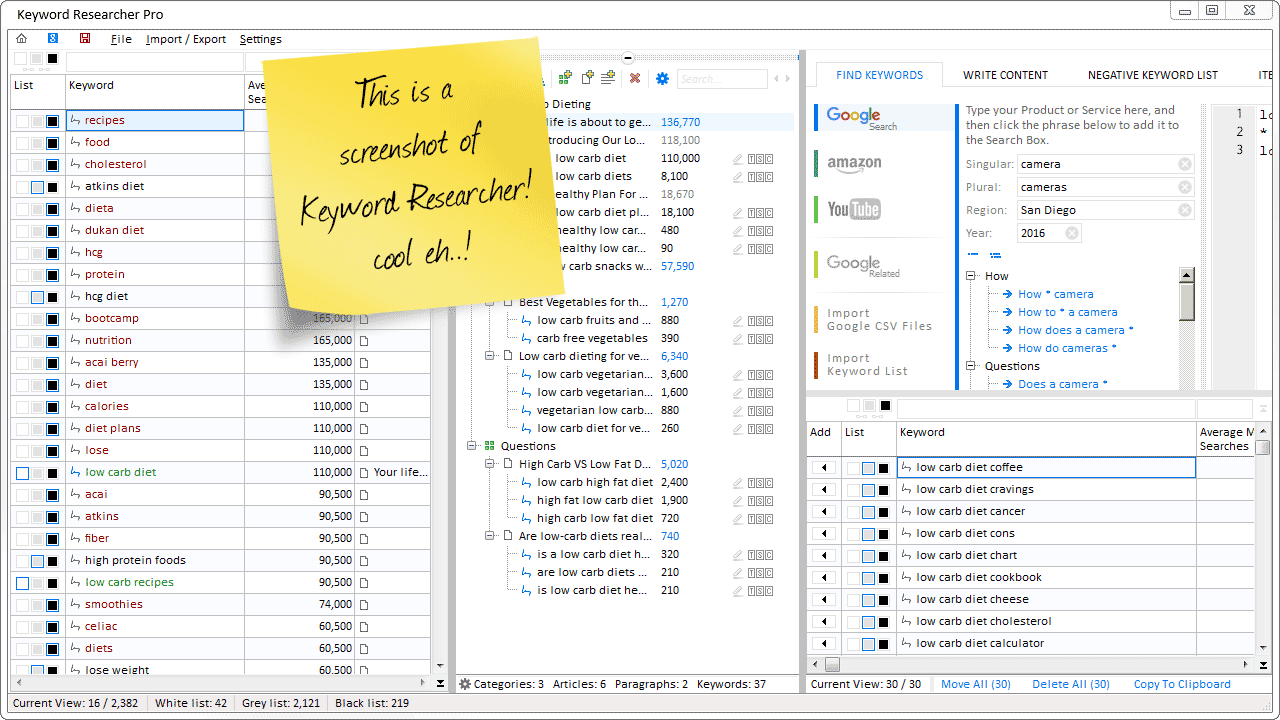
Organize Keywords and Import CSV Files from the Google Keyword Planner
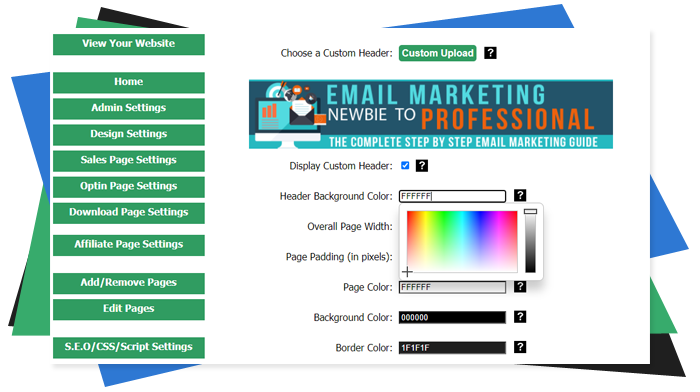
The Most Affordable And Easiest User Friendly Page Builder You Will Ever Use!

Instant WordPress Theme That Matches Your Website
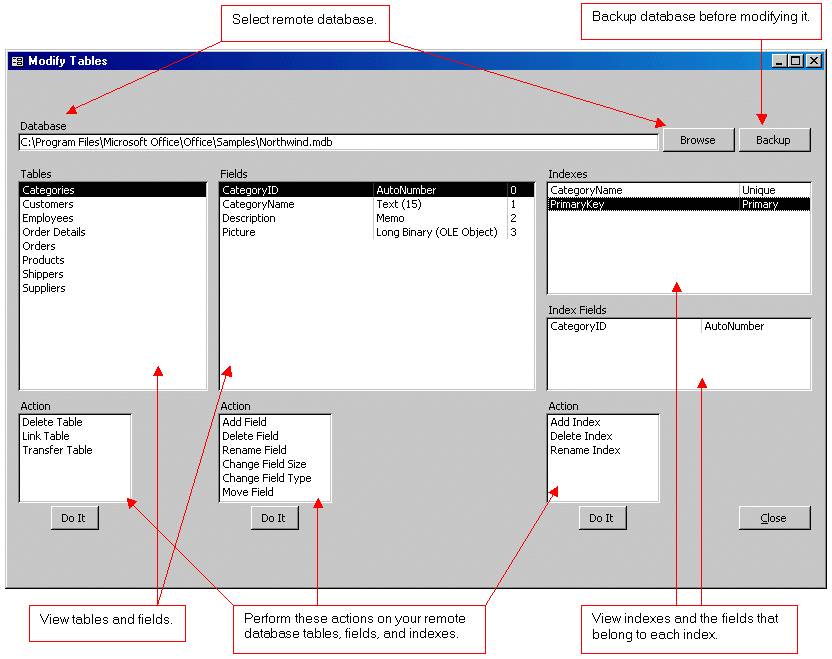
Wizard to Manage Remote Backend MS Access Database Tables Fields and Indexes

If you had an aisle-by-aisle grocery list wouldn't you spend less money on impulse items?

everything you need to create a professional corporate look mini-site is there.

Unlock Your Networking Potential with GNS3Vault
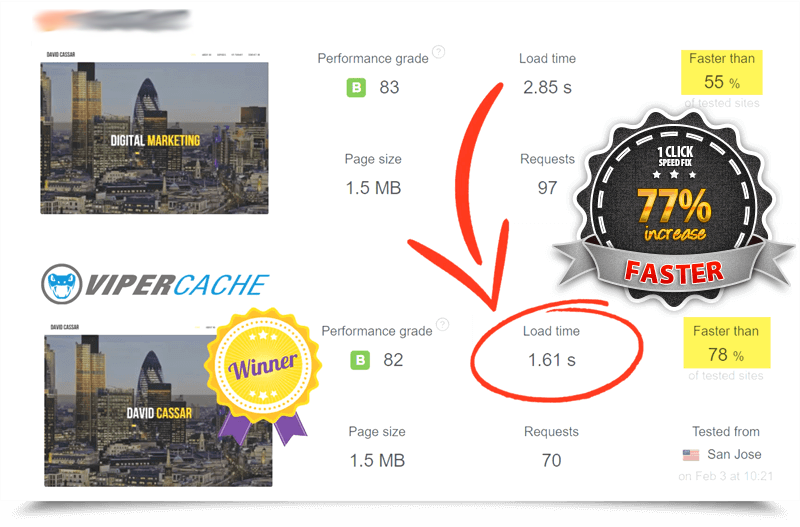
Viper Cache Was 77% Faster Than The Competetion

Understanding Stock Market Shorting eBook